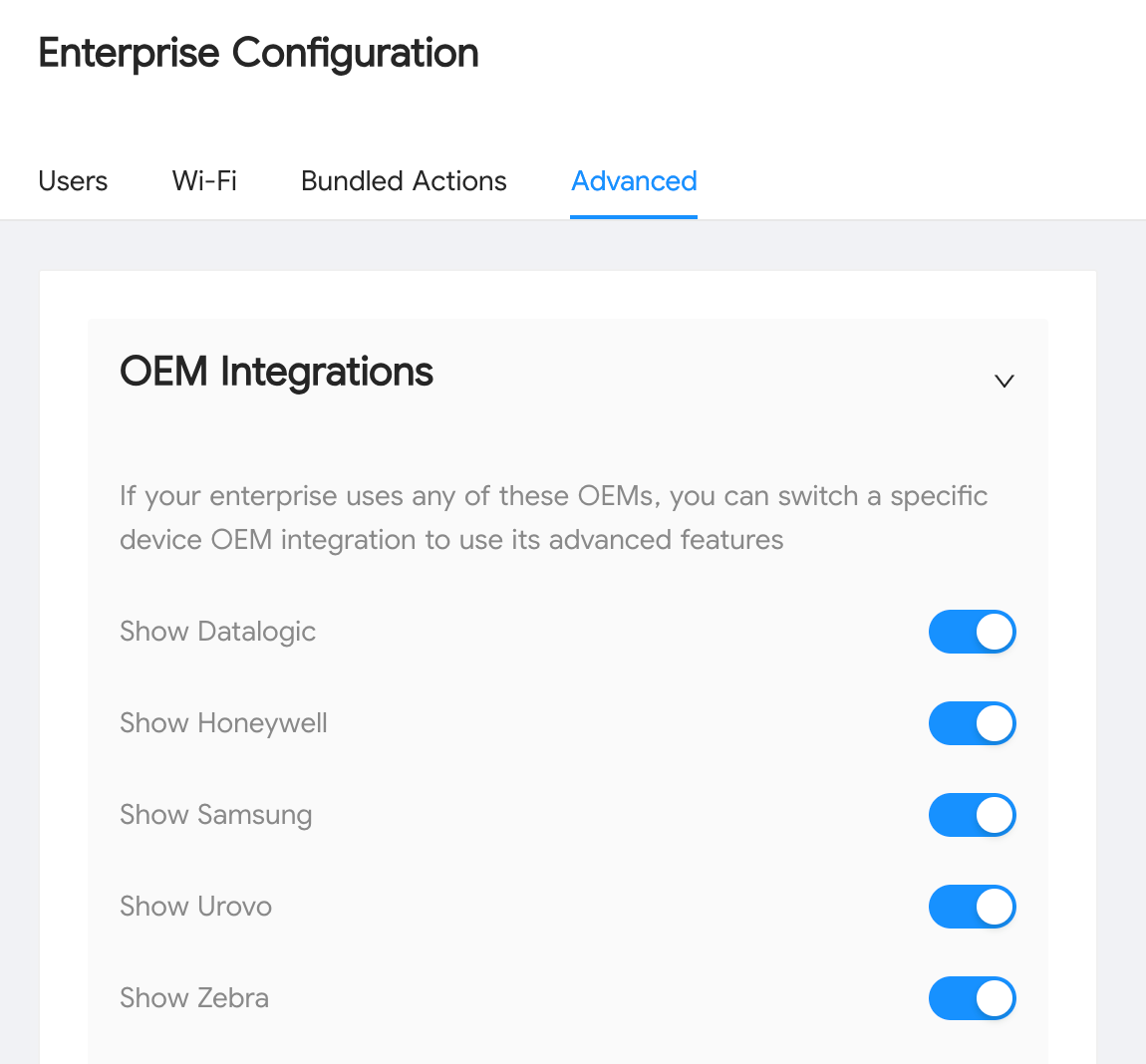
We have added a new Original Equipment Manufacturer (OEM) integration to the WizyEMM console to seamlessly support Urovo OEMConfig. This integration allows administrators to manage and configure Urovo devices using OEM-specific settings directly within their profiles.
By leveraging Urovo OEMConfig, you can enhance device management capabilities on your Urovo devices that go beyond standard Android Enterprise features.
Troubleshooting Steps (Adding Urovo Configuration)
To enable and configure settings for Urovo devices in a profile:
Log in to the WizyEMM console.
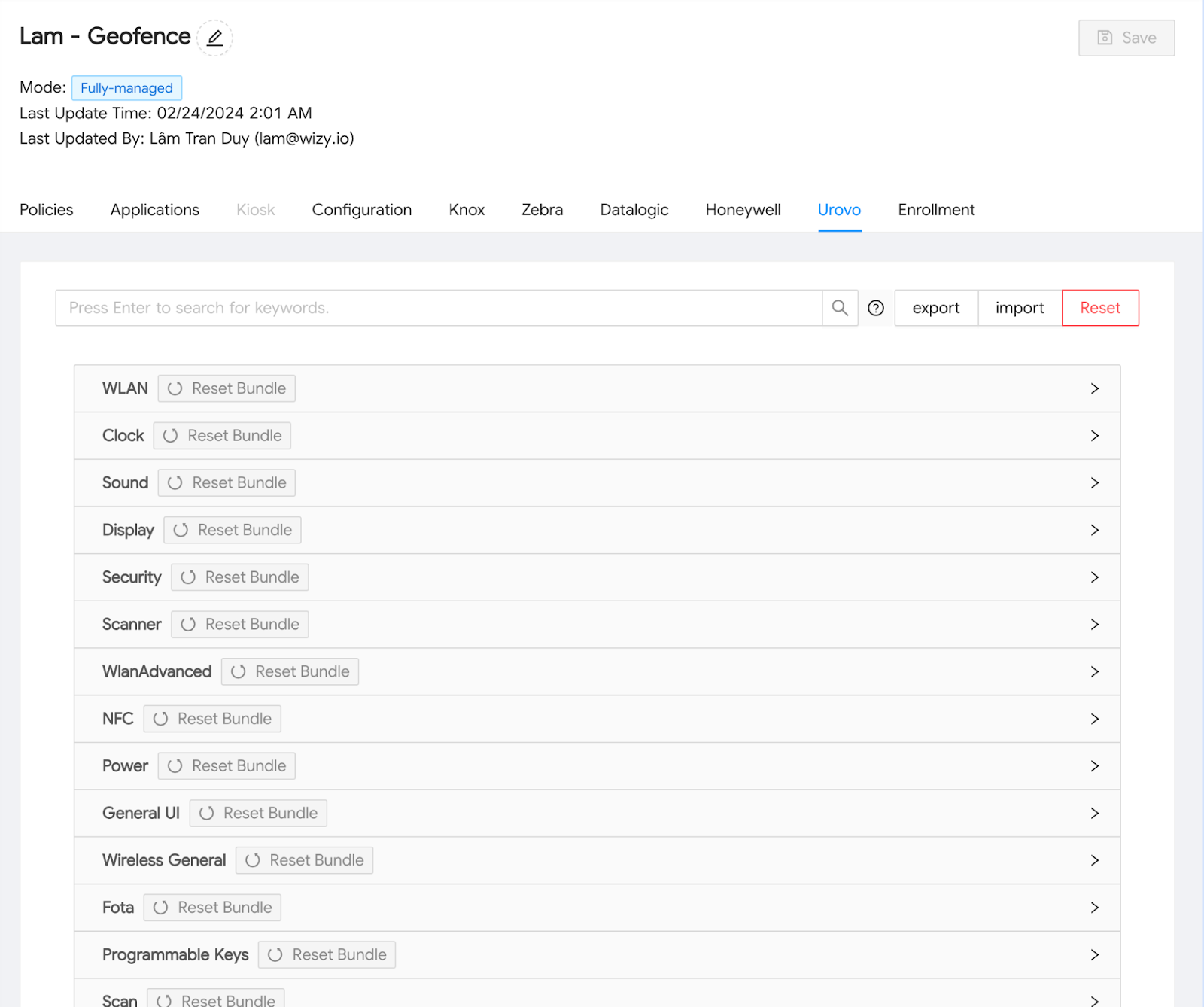
Configure the desired Urovo OEM-specific settings as needed.
Go to Profile Management.
Select the relevant profile that is assigned to your Urovo devices.
Go to the Configuration section/tab on the profile.
Locate and select the Urovo section/tab within the configuration view.
Click Save on the upper right to apply the changes to the profile and push them to the enrolled Urovo devices.
Was this article helpful?
That’s Great!
Thank you for your feedback
Sorry! We couldn't be helpful
Thank you for your feedback
Feedback sent
We appreciate your effort and will try to fix the article